

Table of Contents
ASUS Agent Computer vs Gaming PC: What Actually Changes?
Gaming PCs have become ridiculously powerful machines. We buy increasingly capable processors and graphics cards to chase higher frame rates, better ray tracing, and sharper resolutions, only for much of that hardware to sit relatively idle when we are not playing.
ASUS thinks it could have another job. The company describes an ASUS Agent Computer as an AI-capable PC designed to keep AI agents active, receive tasks, execute multiple steps, and return the completed result. Instead of opening an AI chatbot whenever you need something, the idea is to delegate a job and let an agent continue working on it in the background.
That sounds useful, but it also raises an obvious question for anyone already staring at a gaming tower packed with expensive hardware. Do you actually need another computer for that?
Your Gaming PC May Already Have What Local AI Needs
The interesting thing about ASUS’s Agent Computer concept is that it is not limited to one particular box. The company’s hardware roadmap spans mainstream desktops, NUCs, and laptops, as well as high-end GPU systems, dedicated AI platforms, and workstation-class machines.
That means the real distinction is less about whether something has “Agent Computer” written on the front and more about the workload you expect it to handle. A gaming PC already has many of the ingredients local AI can use: a capable CPU, plenty of memory, fast storage, and, potentially most importantly, a powerful GPU.
For lighter workloads, that could be enough. A gamer experimenting with document summarisation, coding assistance, local search, transcription or basic automated workflows may not need specialist hardware at all. The more relevant questions are how large the model is, how much memory it requires and how long you expect it to keep running. That last point is where things become more complicated.
We Compared the ASUS Agent Computer Idea With How We Already Work
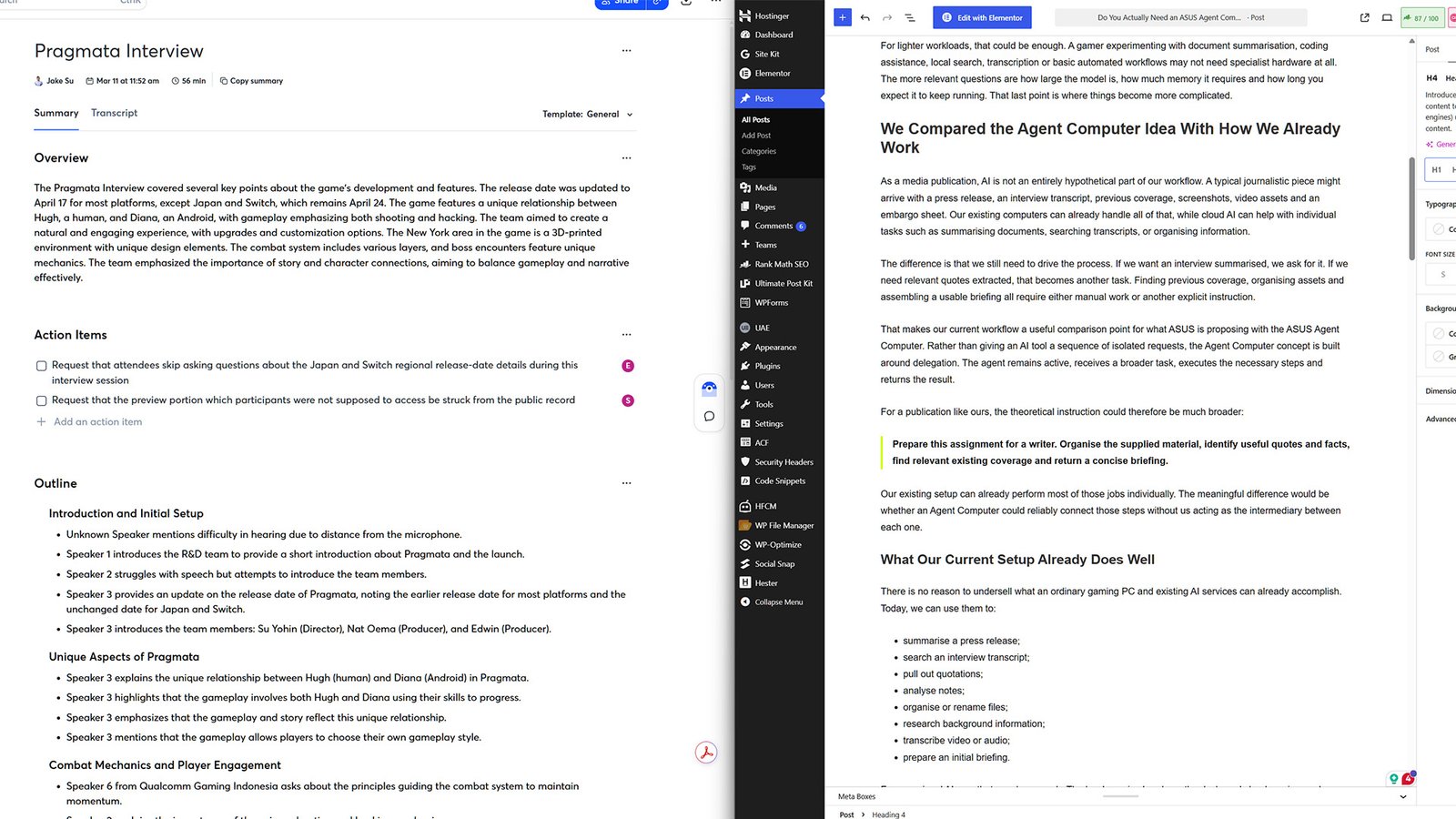
As a media publication, AI is not an entirely hypothetical part of our workflow. A typical journalistic piece might arrive with a press release, an interview transcript, previous coverage, screenshots, video assets and an embargo sheet. Our existing computers and tools can already handle all of that, while cloud AI can help with individual tasks such as summarising documents, searching transcripts, or organising information.
The difference is that we still need to drive the process. If we want an interview summarised, we ask for it. If we need relevant quotes extracted, that becomes another task. Finding previous coverage, organising assets and assembling a usable briefing all require either manual work or another explicit instruction.
That makes our current workflow a useful comparison point for what ASUS is proposing with the ASUS Agent Computer. Rather than giving an AI tool a sequence of isolated requests, the Agent Computer concept is built around delegation. The agent remains active, receives a broader task, executes the necessary steps and returns the result.
For a publication like ours, the theoretical instruction could therefore be much broader:
Prepare this assignment for a writer. Organise the supplied material, identify useful quotes and facts, find relevant existing coverage and return a concise briefing.
Our existing setup can already perform most of those jobs individually. The meaningful difference would be whether an Agent Computer could reliably connect those steps without us acting as the intermediary between each one.
What Our Current Setup Already Does Well
There is no reason to undersell what an ordinary gaming PC and existing AI services can already accomplish. Today, we can use them to:
- summarise a press release;
- search an interview transcript;
- pull out quotations;
- analyse notes;
- organise or rename files;
- research background information;
- transcribe video or audio;
- prepare an initial briefing.
For occasional AI use, that may be enough. The hardware is already on the desk, and cloud services reduce the need to worry about whether a particular local model fits in GPU memory.
Where the Agent Computer Idea Would Theoretically Go Further
The advantage of the ASUS Agent Computer isn’t necessarily a radically different list of jobs. It is autonomy and persistence. The company’s everyday-AI direction specifically describes agents running locally in the background for research, document summarisation, content organisation, coding and workflow automation.
Instead of manually moving between those stages, a dedicated device like the ASUS Agent Computer could theoretically continue through them after receiving the initial assignment. That could also let work continue while the main gaming PC is occupied, asleep, or switched off, depending on how the dedicated system is configured.
For us, that is the more useful distinction than simply asking whether one computer has “AI” and another does not. The current setup already has plenty of intelligence available, but an ASUS Agent Computer is really asking whether we want some of that intelligence to become persistent infrastructure.
ASUS Agent Computer Hardware Makes More Sense When AI Never Stops
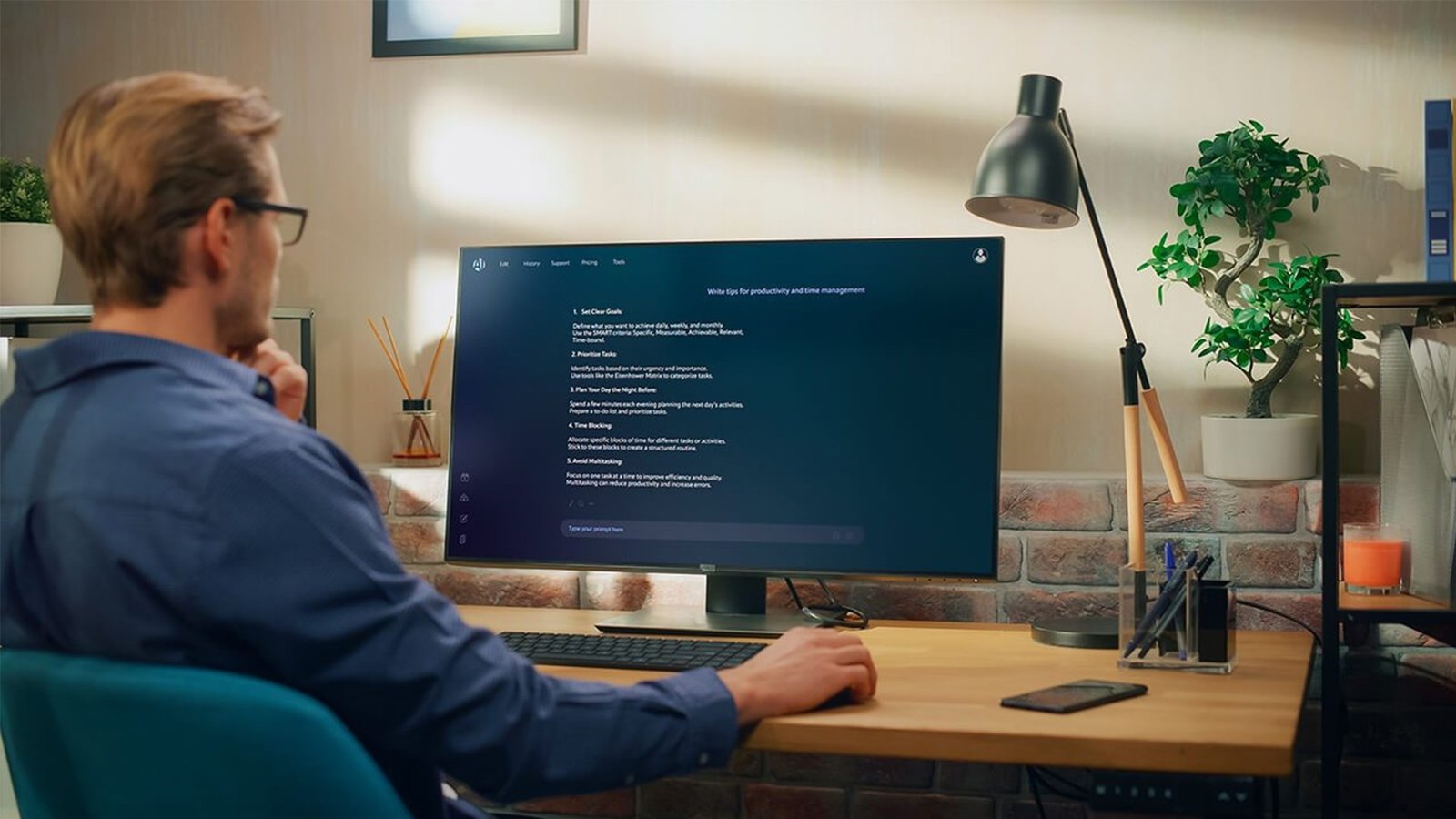
ASUS is not really pitching the Agent Computer as something you occasionally switch on to ask one question. The company’s broader idea is that AI agents stay available for repeated or continuous tasks, including research, document organisation, coding, scheduling, and workflow automation. Its media guidance specifically highlights long sessions, sustained performance, efficient thermals and reliable background operation.
That changes the conversation. Your gaming PC might run a local AI model for 20 minutes, but would you want it running for eight hours? Would you want an agent occupying GPU memory while you are playing something demanding? How about leaving a large, RGB-filled tower running overnight just so an AI assistant can keep processing files?
Dedicated hardware begins making more sense once the agent stops being an occasional tool and becomes something you expect to always be available.
VRAM Could Matter for More Than Better Textures
Gamers already spend an unhealthy amount of time arguing about VRAM, and local AI adds another dimension to that discussion. In games, graphics memory determines how comfortably a GPU can handle high-resolution textures, ray tracing, and increasingly demanding rendering workloads.
For local AI, memory affects how large a model can run comfortably on the GPU and how much data stays immediately available during a task. ASUS’s product strategy reflects that progression, moving from mainstream AI-capable systems to higher-VRAM GPUs, then to specialised hardware such as the ASUS ASCENT GX10 and workstation-scale platforms.
For gamers, the useful takeaway isn’t that everyone suddenly needs the GPU with the most memory. It is that the hardware you already bought for gaming may have another use case, like an ASUS Agent Computer. A 16GB or higher-end graphics card you bought for more headroom in future games could also give local AI workloads considerably more room to operate.
Can You Game While an ASUS Agent Computer Is Working?
This is where the concept becomes much more interesting than another specification comparison. The real test isn’t whether a gaming PC can run an AI agent; it is whether it can run one without getting in your way.
A meaningful gaming-focused test would compare:
- normal gaming performance;
- gaming with a lightweight local agent running;
- gaming alongside a more demanding AI workload.
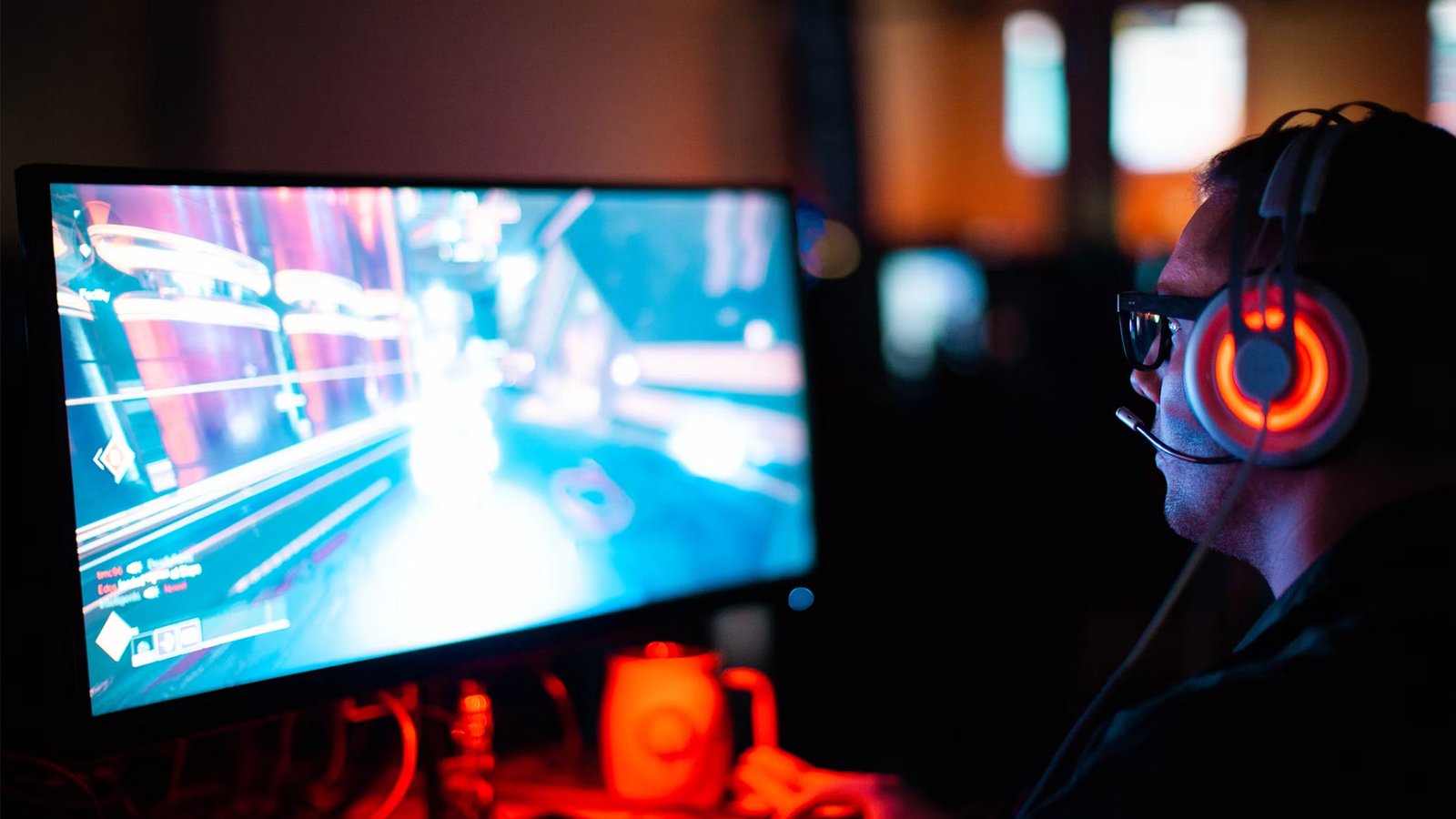
Frame rates alone won’t tell the whole story. GPU utilisation, VRAM usage, processor load, temperatures, power consumption, and 1% lows would help show whether the agent runs unobtrusively in the background or fights the game for the same resources.
That result could also make the case for dedicated hardware far more convincingly than marketing ever could. If the agent barely affects gaming, many users may have little reason to add another machine. If demanding local AI consistently consumes the memory and compute modern games need, moving those workloads onto something like an ASUS ROG NUC or another dedicated ASUS Agent Computer becomes much easier to justify.
The Better Question May Be Whether You Want Your Gaming PC Running All Day
Performance is only part of it, as always-on computing changes how you think about the machine itself. A desktop designed primarily for maximum gaming performance isn’t necessarily the device you want running every hour of the day.
Power consumption, fan noise, heat, and simple availability become much more relevant when an AI agent is expected to stay active while you work, sleep, or leave the house. This is where smaller dedicated systems like an ASUS Agent Computer potentially become more attractive.
ASUS positions products ranging from mainstream NUC hardware to the ROG NUC and ASCENT GX10 around increasingly demanding local-AI workloads, while enterprise products sit much further up the ladder for multi-user and multi-agent deployment.
Most gamers obviously do not need the latter, and the useful part of that product spread is recognising that “Agent Computer” is not necessarily one performance tier. Someone running a personal assistant has very different requirements from a developer running several agents simultaneously.
Local AI Is About Control as Much as Speed
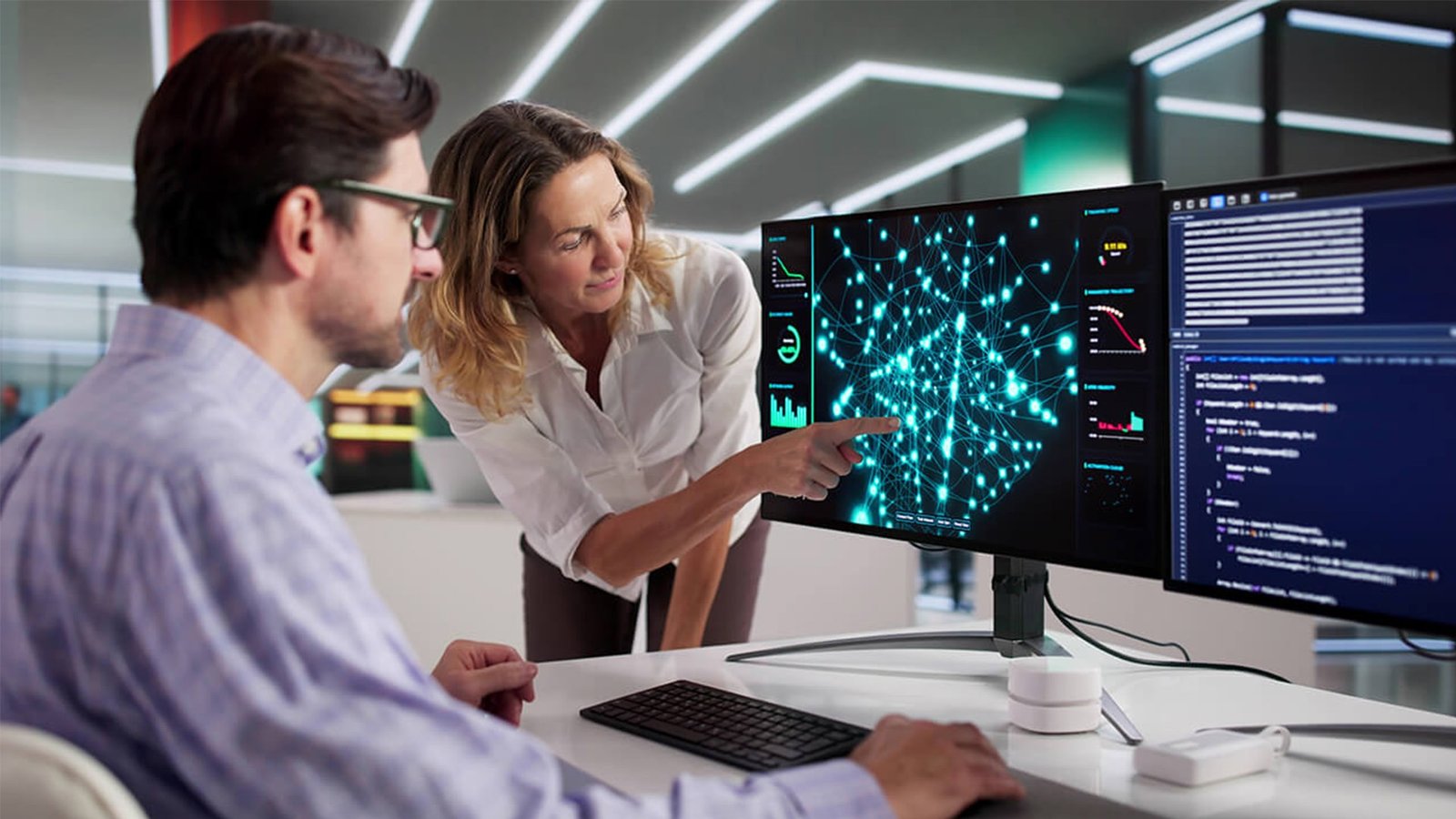
Another reason to run AI locally has little to do with performance; it’s control. Local workloads can reduce dependence on cloud processing for tasks that can stay on the machine, potentially keeping personal files, screenshots, coding projects, or other data from needing to be uploaded elsewhere.
ASUS also positions local AI around reduced cloud dependency, predictable cost and greater data control. That does not mean an ASUS Agent Computer magically makes every AI task offline; an agent that needs current information, an online account, or an external service will still need internet access.
But plenty of work doesn’t inherently require the cloud, and for a gamer, something as mundane as organising years of screenshots, indexing a game library, or analysing local files could stay entirely on the PC.
Is an ASUS Agent Computer Cheaper Than Using Cloud AI?
This is where things get messy quickly. ASUS provides its own example comparing hardware costs, electricity, and recurring cloud/API usage. Its sample calculation uses estimated systems around SG$3,500 and SG$5,999, then compares monthly operating costs against recurring AI usage.
Don’t treat those numbers as a universal answer, since the economics depend heavily on what you already own. If you already have a capable gaming PC, your upfront AI hardware cost may be effectively zero because you bought the machine for another reason.
If you spend thousands of dollars solely to avoid a relatively small monthly AI subscription, the math changes dramatically. Electricity, model requirements, storage, maintenance, utilisation, and future cloud pricing also matter.
For many gamers, a hybrid approach may make the most sense: use local AI for workloads the existing PC handles comfortably, then rely on cloud services when you need significantly more compute.
Do Gamers Actually Need a Dedicated ASUS Agent Computer?
For most gamers curious about local AI, buying another machine probably should not be the first step. The gaming PC already sitting under the desk is the obvious place to start experimenting. You can see what models it can handle, try a useful agent workflow, measure its memory usage, and see whether leaving it running actually saves you time.
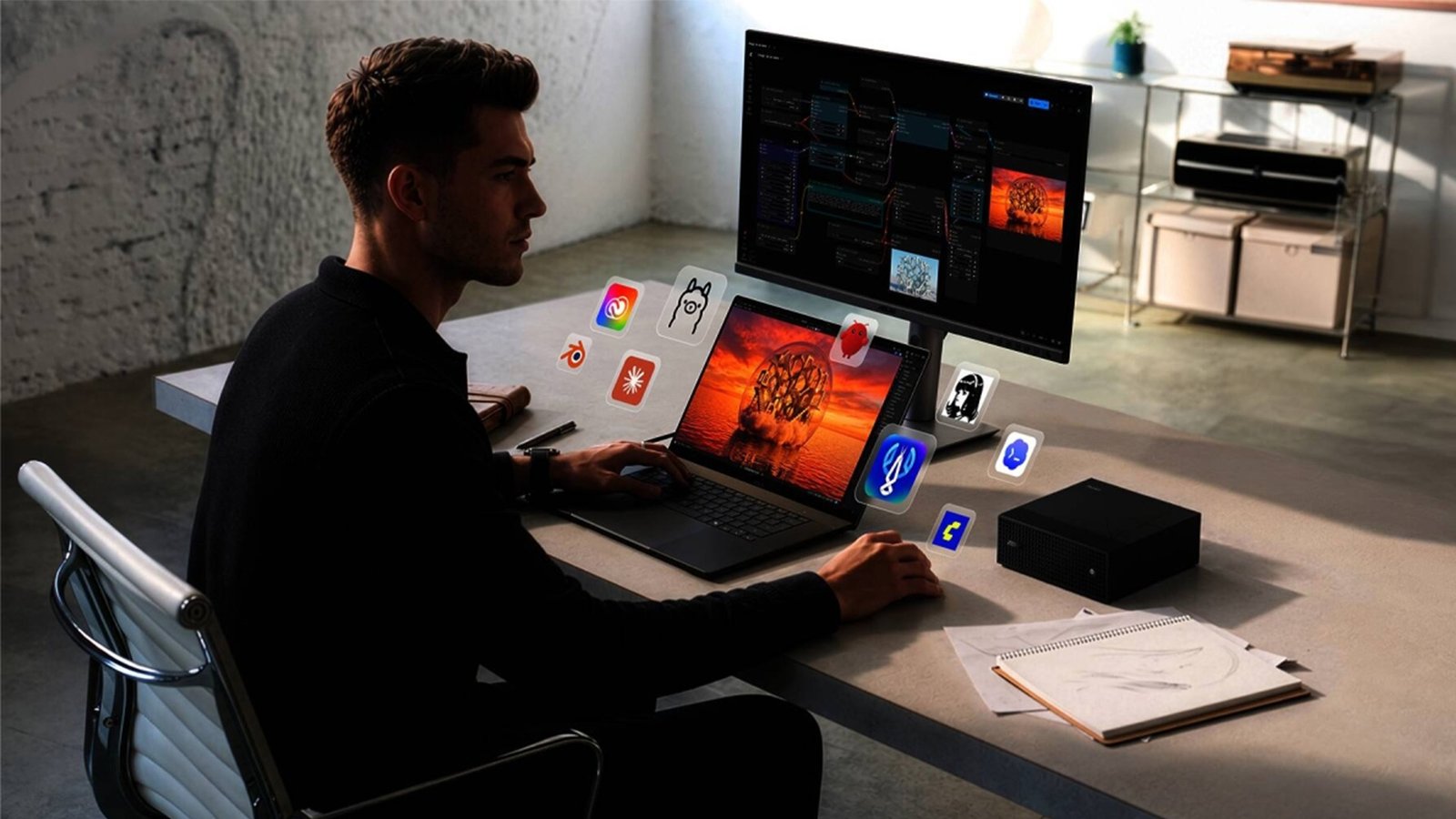
Only then does the dedicated hardware question become meaningful. A separate ASUS Agent Computer makes more sense when AI becomes persistent rather than occasional: when an agent needs to work while you are gaming, continue operating overnight, handle larger models, or simply remain available even when the main PC is switched off.
At that point, the benefit is not necessarily that your gaming PC cannot do the work; it is that you no longer want it to. That may ultimately be the most useful way to understand ASUS’s Agent Computer idea.
Your existing PC may already be powerful enough to experiment with local AI, but dedicated hardware earns its place when the AI stops being another application you occasionally open and becomes something you expect to keep working after you walk away.
